PDF2Sheets vs browser extensions
Browser extensions are handy when you need to do something simple with a PDF. But they often come with limits: file size caps, weaker text recognition, and limited (or no) support for scans.
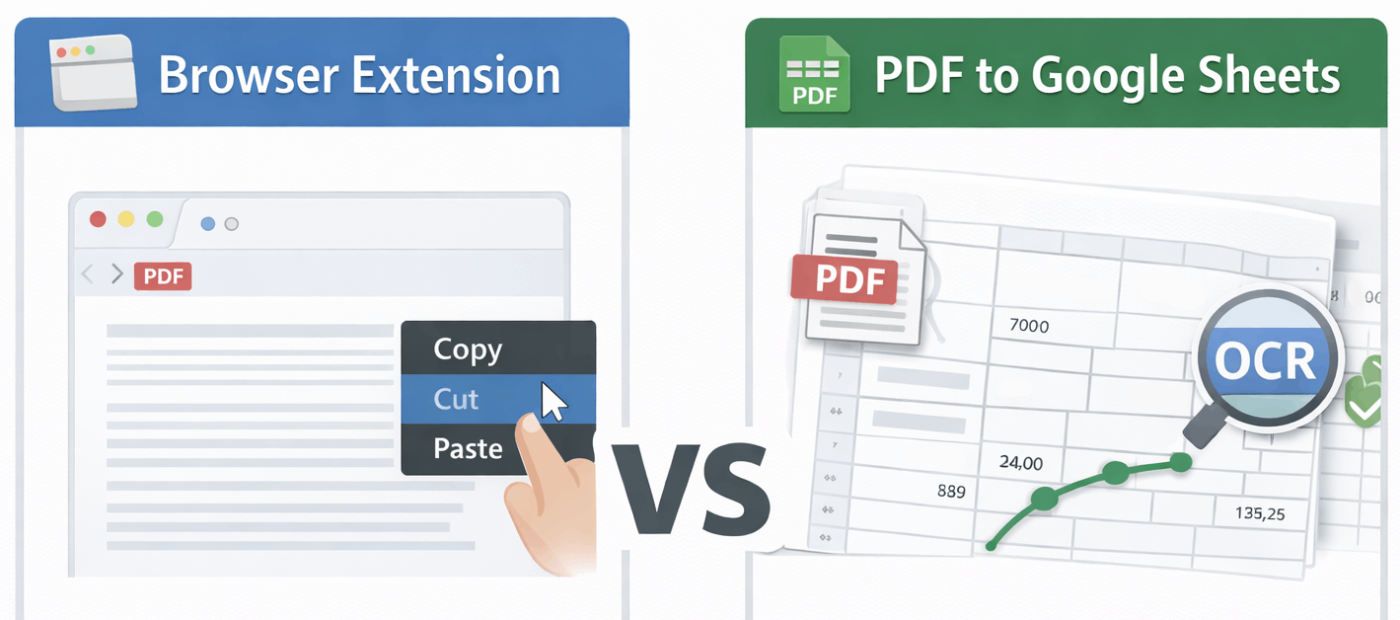
PDF to Google Sheets is a better fit for more complex documents — and it opens the result directly in Google Sheets.
Key differences
| Criteria | PDF to Google Sheets | Браузерное расширение |
| Works with large PDFs | ✅ Yes | ❌ Often limited |
| Scan support (OCR) | ✅ Yes | ⚠️ Limited or not available |
| Table structure quality | ✅ Preserved | ❌ Often breaks |
| Processing multiple files | ✅ Convenient | ❌ Uncomfortable / slow |
| Works directly with Google Sheets | ✅ Yes | ⚠️ Not always |
| Registration required | ✅ No | ❌ Usually required |
| Price | ✅ Free | ⚠️ Often paid |
When an extension is enough
- one small PDF
- a simple PDF without tables
- you just need to quickly copy something right in the browser
In these cases, an extension can be a fast and convenient solution.
When PDF to Google Sheets makes more sense
- you’re dealing with lots of PDFs
- the documents are big or spread across multiple pages
- some files are scans or just not great quality
- you want to clean things up, combine data, and keep everything in Google Sheets
In cases like these, using a dedicated tool usually saves you a ton of time (and a lot of headaches).
Conclusion
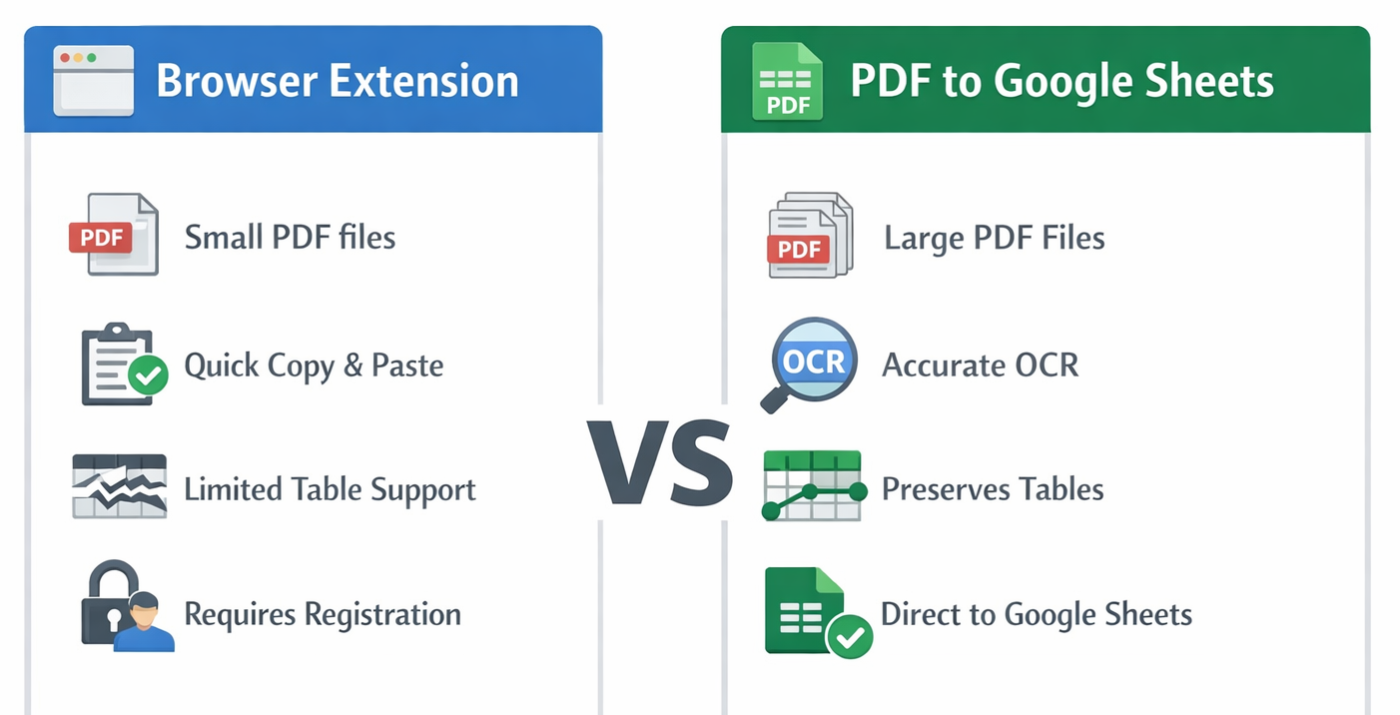
For a quick one-off task, a browser extension can be totally fine. But if PDFs with tables are something you handle regularly and you need the results to be accurate — PDF to Google Sheets is the more reliable choice.